File Manager

Multiple Attachments Linked to Your Contacts

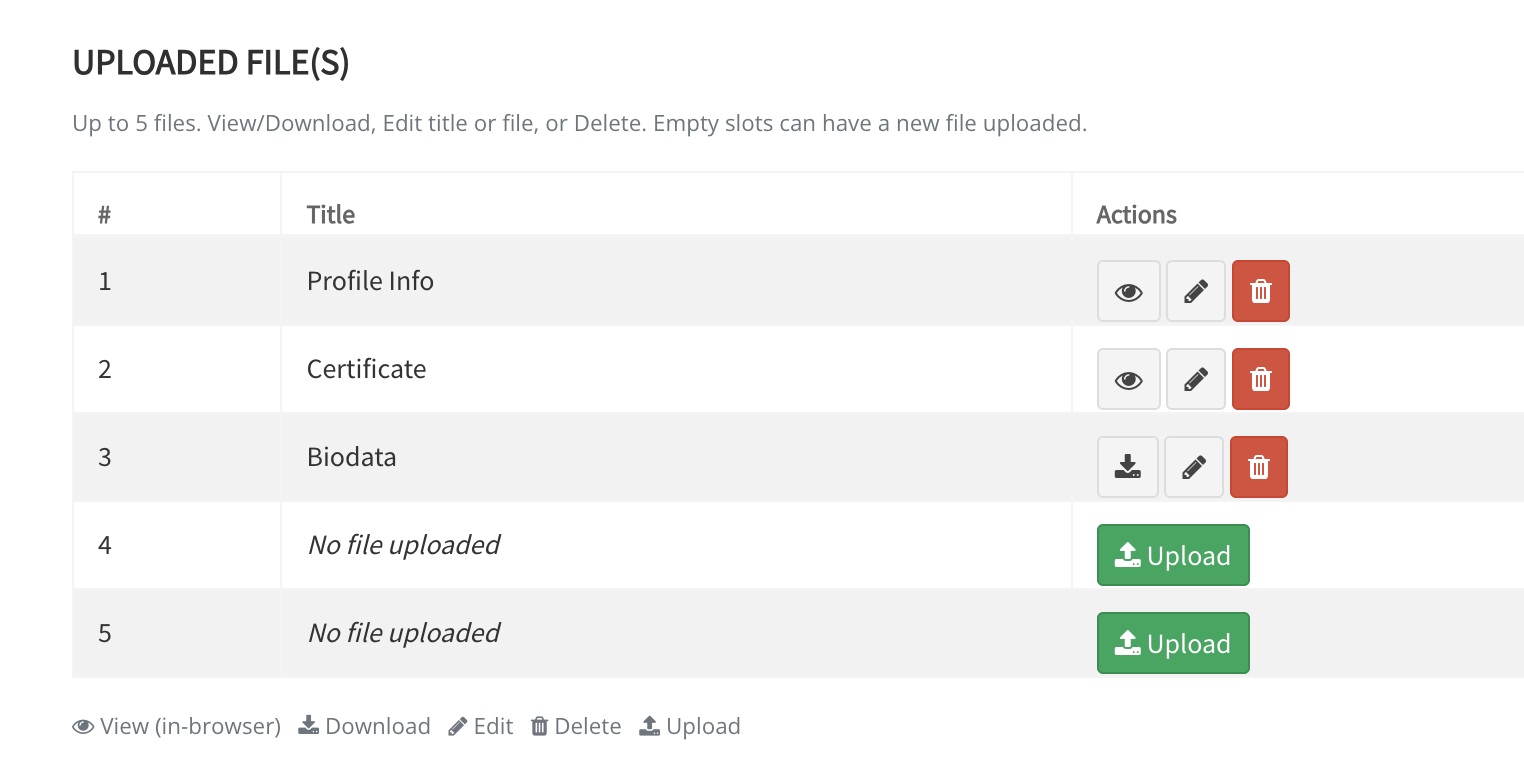
Upload, edit, or delete attachments from any contact profile, including brochures, presentations, documents, and other files. Restrictions apply to file size and file types.

Subscribe Now
JM
James Monroe
Senior Account Executive · Acme Corp
File Upload Mockup

Centralize important files — right inside the contact record

Instead of hunting through emails, shared drives, or local folders, attach documents directly to each contact. Contracts, presentations — everything stays organized and one click away.

Upload Multiple Files
Attach up to five files per contact profile for quick access and better contact management. Keep all relevant documents in one organized place. This includes Zip files.
Access from the Profile Page
All uploaded files are available directly within the contact's profile — review, download, or manage attachments.
Ten MB Per File
Store detailed documents and high-quality files with a generous ten MB limit per file.
Better Team Collaboration
Keep teams aligned by storing all relevant files in one centralized location connected to the contact record — always in sync.
Wide Format Support
From PDFs to spreadsheets and images — a broad range of file formats are supported so you never have to convert files before uploading.
Secure & Organized
Documents are stored securely alongside contact details. A clean, structured record for every contact — with nothing left scattered or lost.

Works with the files you already use

Upload documents and images across the most widely used formats — no conversion needed.

PDF JPG / JPEG PNG GIF DOC / DOCX PPTX XLSX ZIP ODT CSV
PDF
Documents
DOC
Word
XLS
Excel
ZIP
Archives
PPT
Slides
JPG
Images
PNG
Images
GIF
Animated
CSV
Data
ODT
Open Doc

Start organizing your contact files today

Everything your team needs, connected to every contact that matters.

Subscribe Now
START FREE TRIAL
