Mailchimp & Mailjet
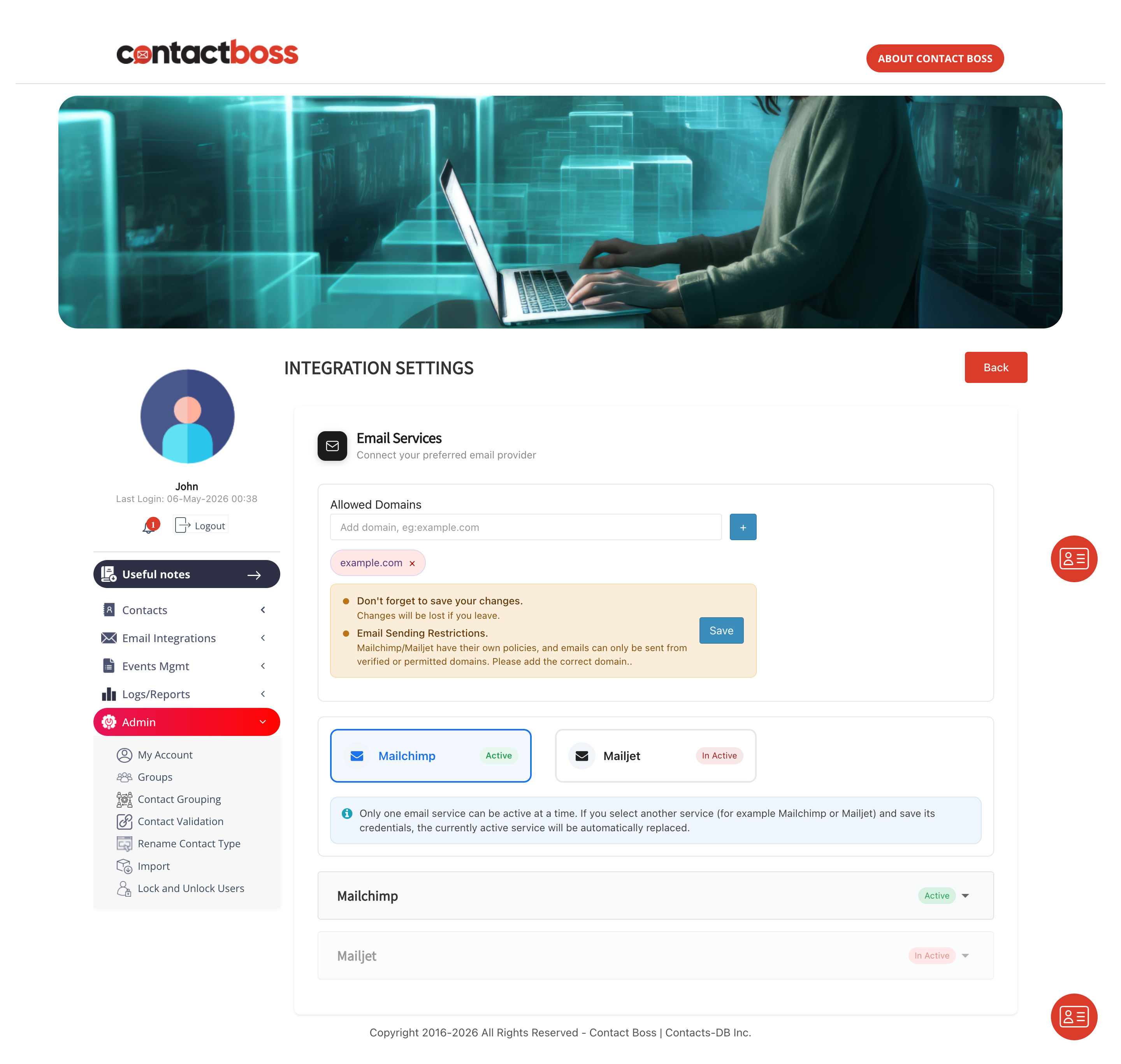
Connect your subscription (purchased directly) Mailchimp or Mailjet account and send emails directly to any group of contacts - avoid switching tools or exporting data.
Why Use Email Integration
Manage your entire email workflow inside Contact Boss — from selecting recipients to sending personalized messages.
Connect Mailchimp or Mailjet in minutes using our simple guided configuration flow.
Pick multiple contacts right from your search results — no export or copy-paste required.
Send tailored emails without ever leaving your contact management cloud software.
Build unlimited email templates and up to two custom signatures per login user.
Create up to two custom signatures per login user.
Delivery, tracking, and compliance handled securely by Mailchimp or Mailjet.
Simple Setup
A quick one-time configuration is all it takes — no technical expertise required.
Follow the configuration guide to connect Mailchimp or Mailjet to your Contact Boss account.
Log out and log back in to fully activate and sync the integration.
Navigate to Email Integrations in the left-hand menu — you're ready to start sending personalized emails after setting up your signature and content templates.
Sending Email to contacts
Your entire send workflow lives inside Contact Boss — from selection to sending your email.
Choose contacts from your search grid results.
Pick those with valid email addresses.
Move selected emails to the email send screen with a single click.
Choose your template and add your attachment or image and off your email goes directly to Mailjet or Mailchimp as configured.
Good to Know
Combine powerful contact management with trusted email platforms to ensure every message reaches the right person at the right time.

Copyright © 2026 All Rights Reserved - Contact Boss | Contacts-DB Inc.
